 Background Video Recorder
 PDF Scanner
 Screen Recorder
 MusicBazar Video Player
HD & Full HD recording
Pick the quality, resolution and frame rate that suit your phone, and export from 240p up to 1080p.
Free screen recorder for Android
Record your screen in Full HD with sound, for games, tutorials and meetings, with no watermark.
By NKD BVR Labs · Free on Android
Screenshots
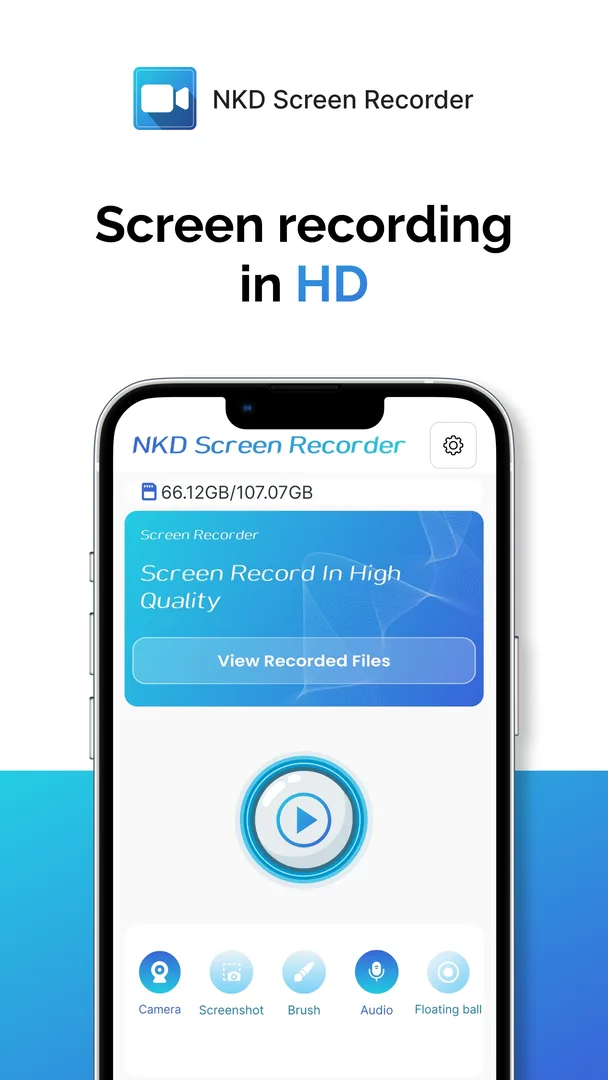
Key features
Pick the quality, resolution and frame rate that suit your phone, and export from 240p up to 1080p.
Record your voice, the sound from your phone, or both at once.
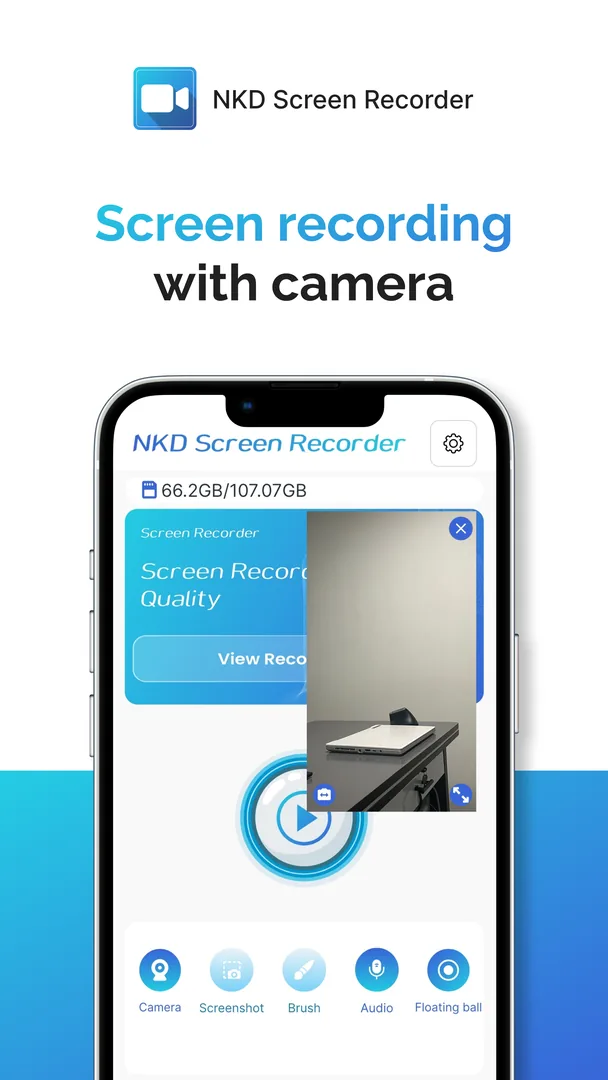
Add your face to the recording for reactions, tutorials and gameplay commentary.
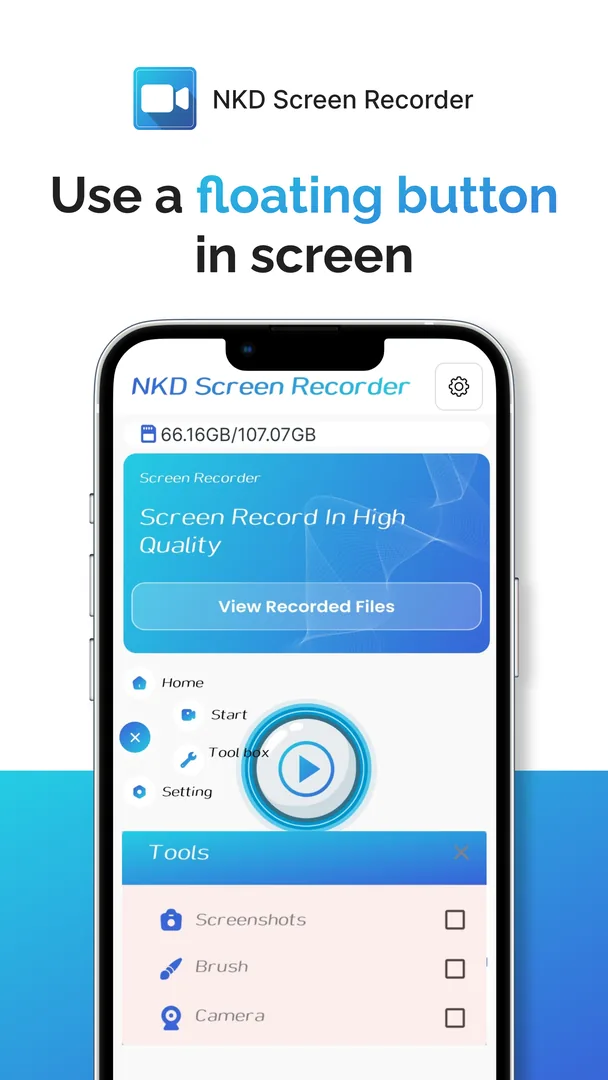
Start and stop recording from a floating button or the notification, without leaving what you are doing.
Capture a screenshot at any moment while you use the app.
Use the built-in tools to draw on or highlight parts of the screen while you record.
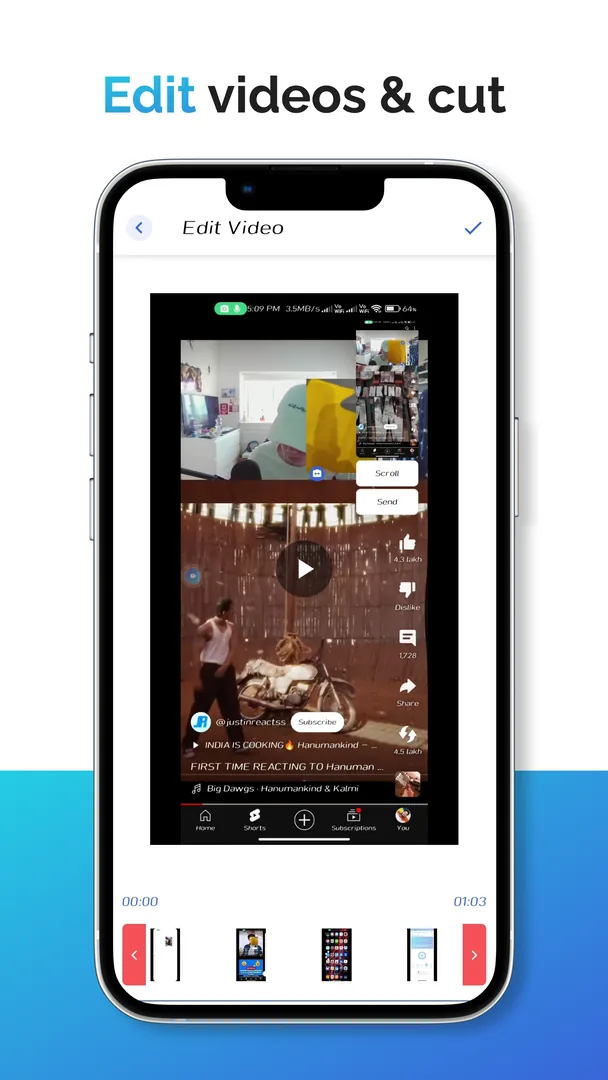
Trim, cut and split clips, add background music, and change the speed or aspect ratio.
Stream live to YouTube and other RTMP platforms on compatible devices.
About the app
Screen Recorder Video Rec by NKD BVR Labs is an easy screen recording app for Android. Capture gameplay, tutorials, classes, meetings and app demos in Full HD with sound, then edit and share them, all without a watermark.
Start a recording in one tap and capture whatever happens on your phone. Choose HD or Full HD, set the resolution and frame rate that suit your device and free storage, and use high frame-rate recording on phones that support it.
Use it for gameplay and walkthroughs, step-by-step tutorials, online classes, app demonstrations and meetings.
Record with your microphone, with the internal audio from games and apps, or with both. Turn on the facecam to add your reactions or explain a tutorial in your own voice. Internal audio, high frame rates and facecam depend on your Android version and device.
A floating button and the notification controls let you start, stop and take screenshots without leaving the app you are recording. Drawing and highlighting tools help you point out what matters on screen.
When you finish, trim, cut and split your clip, add background music, and change its speed or aspect ratio. Export it in any resolution from 240p to 1080p, ready for YouTube, Instagram, a class or a colleague.
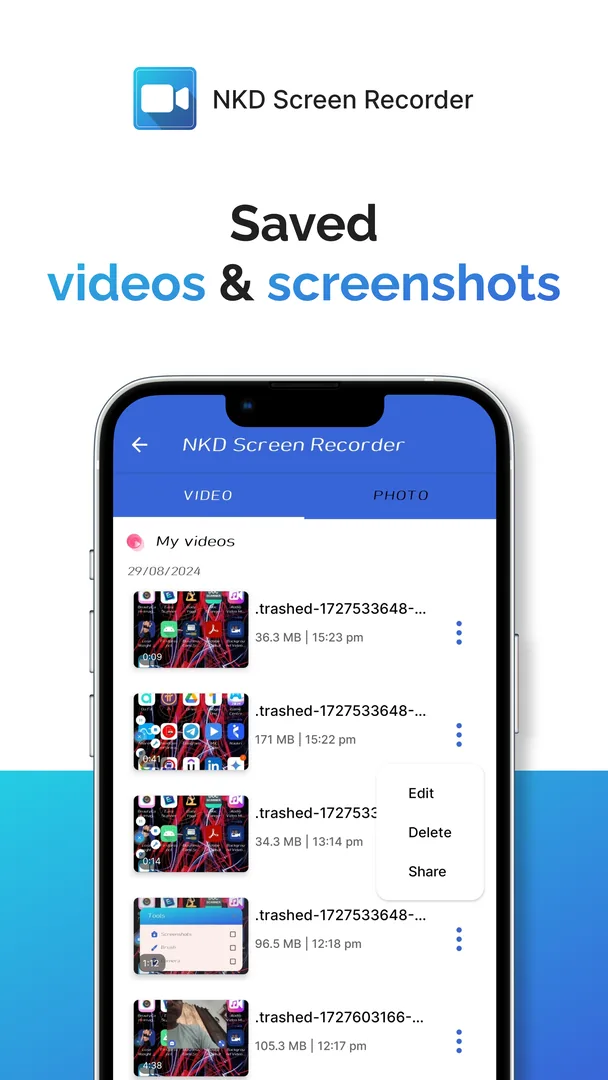
Your videos and screenshots are saved together in the app, so you can find, edit and share them later.
You can also go live on YouTube and other RTMP platforms from a compatible device. Please respect copyright and privacy, and ask for permission before recording other people.
Perfect for
Capture gameplay, walkthroughs and strategies, and add commentary with the mic and facecam.
Record step-by-step tutorials and lessons, or save an online class to watch again later.
Make videos for YouTube, TikTok and Instagram, and edit them before you post.
Record app demos, presentations and permitted meetings to share with your team.
Why choose it
Record, edit and share your screen from one app, with clean results and simple controls.
Your recordings stay clean, with no watermark stamped on them.
Clear video with mic audio, internal audio or both.
Floating and notification controls start a recording in one tap.
Trim, add music and change the speed without installing another app.
Choose the quality, resolution and frame rate that suit your device and storage.
How it works
Start recording from the floating button or the notification.
Record with mic or internal audio, and turn on the facecam if you like.
Trim, add music and export in the quality you need, then share it.
FAQ
No. Videos you record with Screen Recorder Video Rec have no watermark.
Yes, you can record internal audio, your microphone, or both. Internal audio depends on your Android version, your device and whether the app you are recording allows it.
Yes. Turn on the facecam to add a small camera view to your recording, great for reactions and tutorials. It depends on your device supporting it.
You can record in HD and Full HD, choose the resolution and frame rate, and export videos from 240p up to 1080p. High frame rates work on compatible devices.
Yes. You can capture screenshots while using the app, and find them next to your saved videos.
Yes. You can trim, cut and split clips, add background music, and change the speed and aspect ratio.
Yes, live streaming to YouTube and other RTMP platforms is supported on compatible devices.
You can record supported on-screen meetings and calls with audio when your device, the app and the rules allow it. Always ask for permission before recording other people.
Please respect copyright and privacy: get permission before recording other people, private calls or protected content.
Download Screen Recorder Video Rec free from Google Play and capture your screen in Full HD.
Let's talk about how we can build a fast, secure, and premium solution for your business.