 Background Video Recorder
 PDF Scanner
 Screen Recorder
 MusicBazar Video Player
Smart scanning
The camera finds the page edges for you, and filters make text crisp and easy to read.
Free document scanner for Android
Turn your phone into a pocket scanner: sharp, watermark-free PDFs from paper in seconds.
By NKD BVR Labs · Free on Android
Screenshots
Key features
The camera finds the page edges for you, and filters make text crisp and easy to read.
Scan ID cards, driving licences and passports, or import images from your gallery into a PDF.
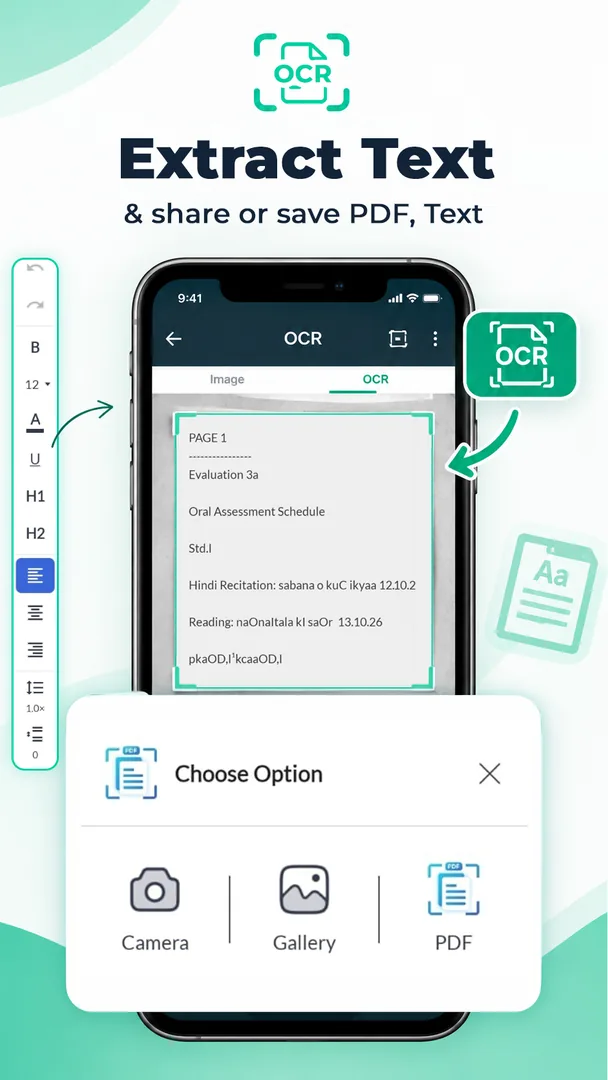
Recognise the text in a scan, copy or edit it, and save it as a PDF or Word file.
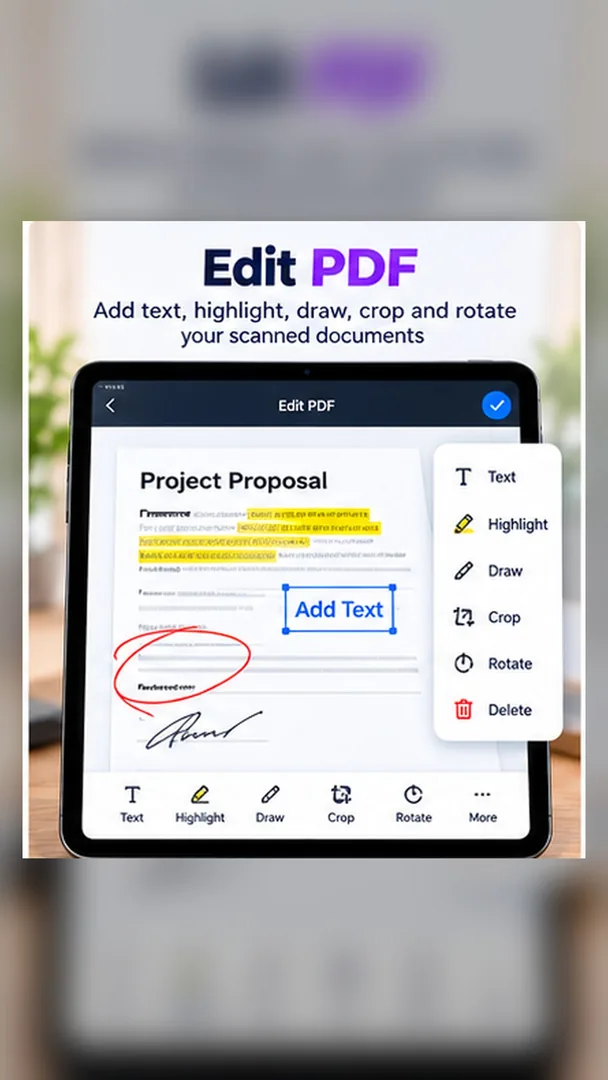
Change existing text, add new text and images, and use Find & Replace across a PDF.
Combine several PDFs in the order you want, or split one PDF into smaller files.
Reorder, rotate and delete pages, and set the page size you need.
Turn PDF and TXT files into Word documents, and open DOCX files in the built-in viewer.
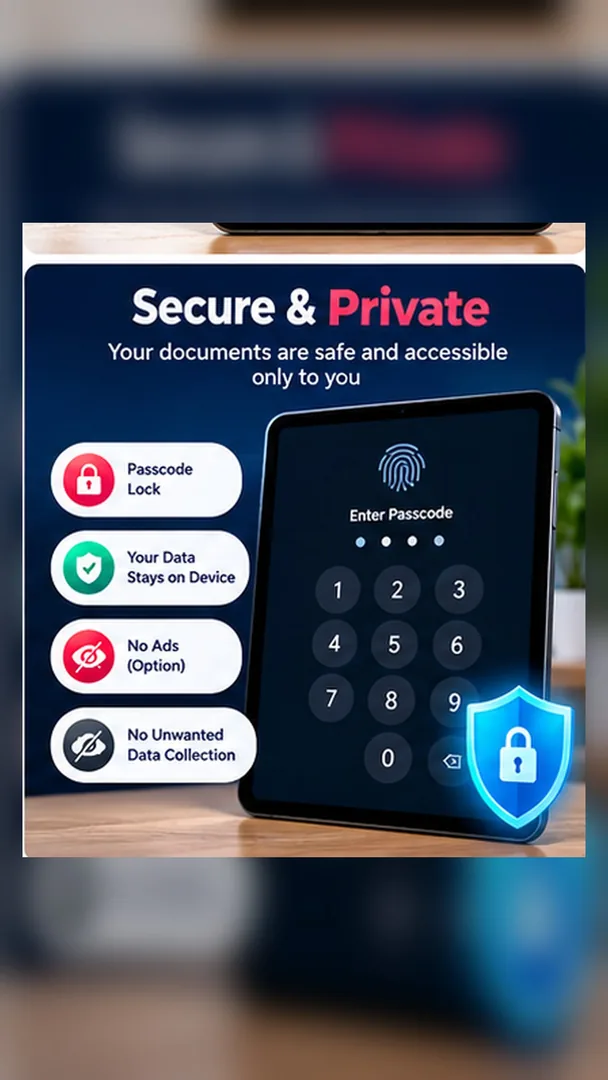
Keep files in a Private Folder locked with a PIN, and protect a PDF with a password.
About the app
PDF Scanner (SCANit) by NKD BVR Labs turns your Android phone into a pocket scanner, PDF editor and file organiser. It is free, works offline and keeps your documents on your phone.
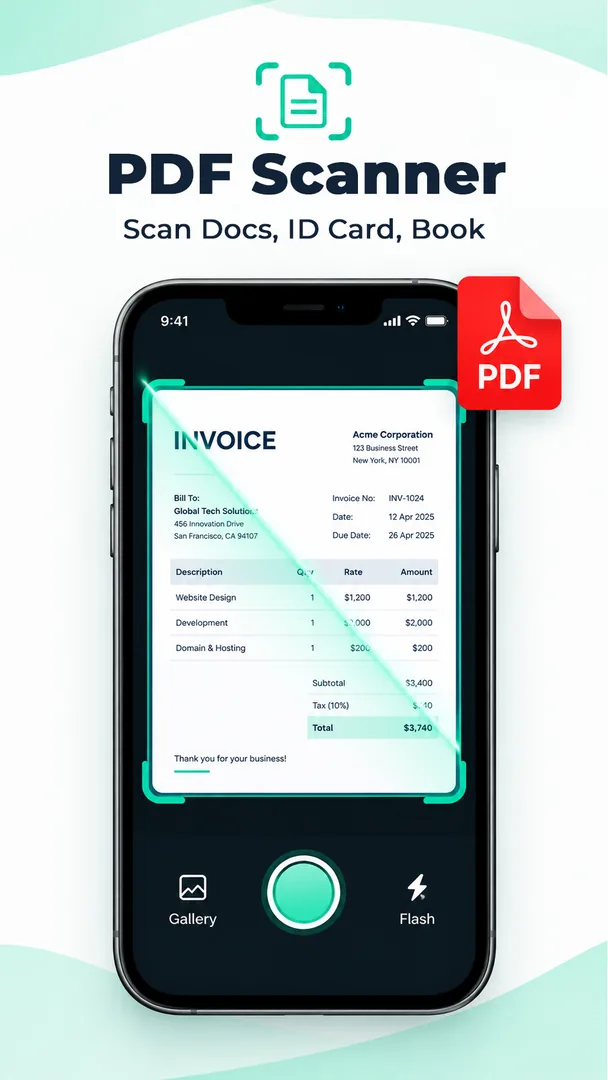
Point the camera at a document, receipt, book page or ID card. Auto edge detection crops away the desk behind it, and filters sharpen the text so it stays clear even in low light.
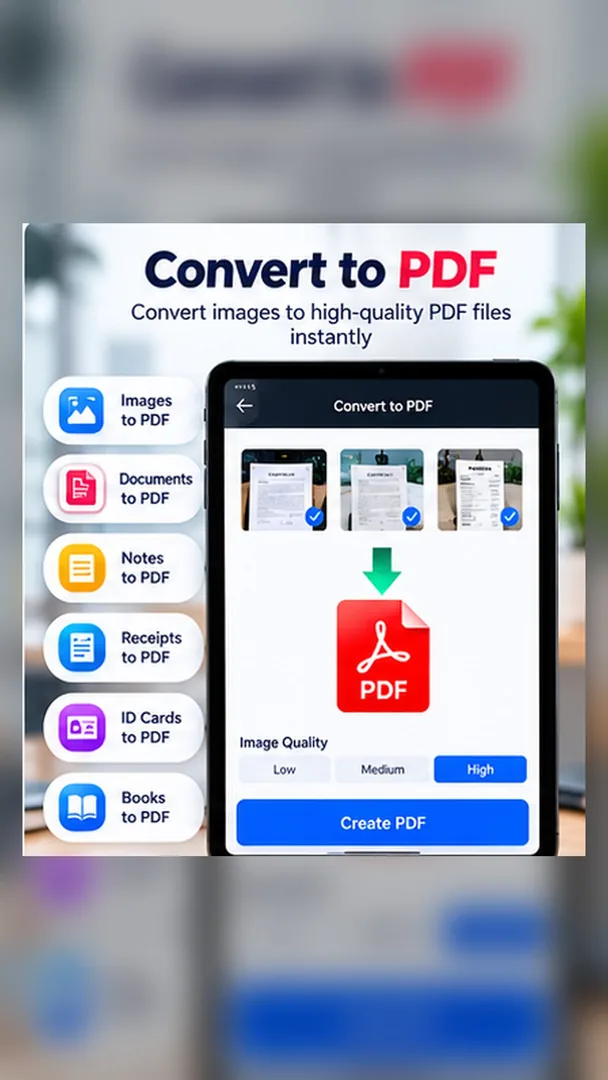
You can also import photos from your gallery and turn several of them into one tidy PDF. There are no watermarks and no daily page limits.
Built-in OCR recognises text in English and Hindi. Copy it, edit it, and save the result as a PDF or a Word file, which saves you from retyping notes, letters and forms.
Edit existing text in a PDF, add new text or images, and fix repeated words with Find & Replace. Merge several PDFs in the order you choose, split a long file, and reorder, rotate or delete pages.
PDF and TXT files can be converted to Word, and DOCX files open in the built-in viewer. You choose the page size and the folder where your files are saved.
Sensitive papers can go into a Private Folder locked with a PIN, and any PDF can be protected with a password. Scanning and editing work without an internet connection.
When you are ready, share your PDFs to WhatsApp or email, or back them up to Google Drive, Dropbox or OneDrive. The app is available in many languages.
Perfect for
Scan handwritten notes, book pages and assignments, and pull the text out with OCR.
Digitise contracts and records, merge and split PDFs, and edit text without a computer.
Keep clear copies of receipts, bills and invoices, ready to share or back up.
Store ID cards, medical papers and utility bills safely in a PIN-locked Private Folder.
Why choose it
Everything from scanning to editing and converting in one free app, without watermarks.

Export clean PDFs ready for official use, with no daily page limits.
A PIN-locked Private Folder, password-protected PDFs, and files that stay on your phone.
Scan, edit and organise documents even when you have no internet connection.
A quick, simple interface built for instant, distraction-free scanning.
Scan, OCR, edit, merge, split and convert to Word without switching apps.
How it works
Point your camera at a document, receipt or ID card. The edges are detected automatically.
Apply a filter, arrange pages, edit text or extract it with OCR.
Save a PDF or Word file in the folder you choose, then share it or back it up.
FAQ
Yes. PDF Scanner is free to download on Google Play, with no watermarks on your PDFs and no daily limit on how many pages you scan.
Yes. The OCR recognises text in English and Hindi. You can copy or edit the text and save it as a PDF or a Word file.
Yes. You can change existing text, add new text and images, and use Find & Replace to change a word everywhere in the PDF.
Yes. PDF and TXT files can be converted to Word, and DOCX files open in the built-in viewer.
Yes. Merge several PDFs in the order you want, split a PDF into parts, and reorder, rotate or delete pages.
Put them in the Private Folder, which is locked with a PIN, or protect a PDF with a password.
Yes. Scanning, editing and organising your documents work offline. You only need a connection to share files or back them up to the cloud.
In the folder you choose on your phone or SD card. You can also share them to WhatsApp or email, or back them up to Google Drive, Dropbox or OneDrive.
Download PDF Scanner free from Google Play and turn paper into clean, shareable PDFs.
Let's talk about how we can build a fast, secure, and premium solution for your business.